AngularJS 1.4.1
TypeScript 1.5
Prerequisites:
–Visual Studio 2015 RC (Community Or Enterprise)
This will also work with Visual Studio 2013 but Visual Studio 2015 has better syntax coloration and auto-completion.
–TypeScript 1.5 (Or Higher)
Project configuration
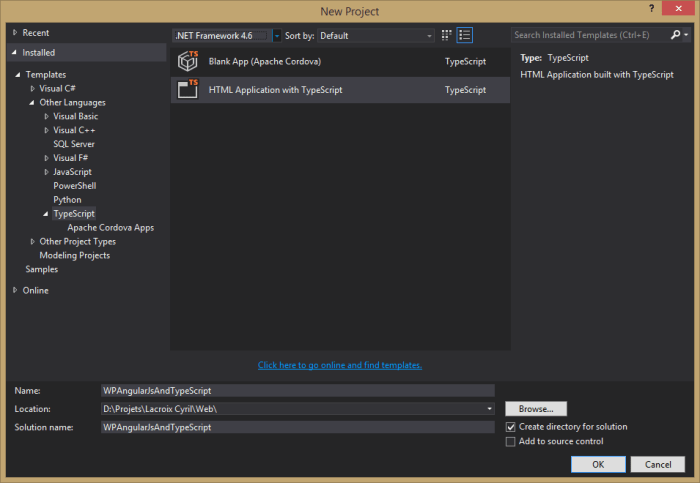
1) Create a new TypeScript project:
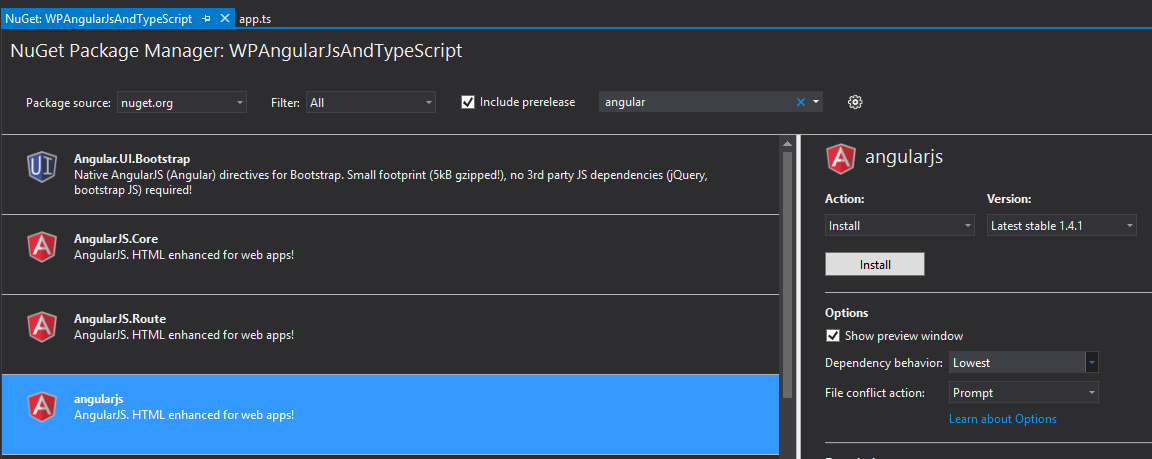
2) Install AngularJs with NuGet Package Manager:
Angularjs 1.41 => This NuGet Package will install all modules of AngularJS
If you don’t need or want all the modules you can just install AngularJS.Core or the desired modules
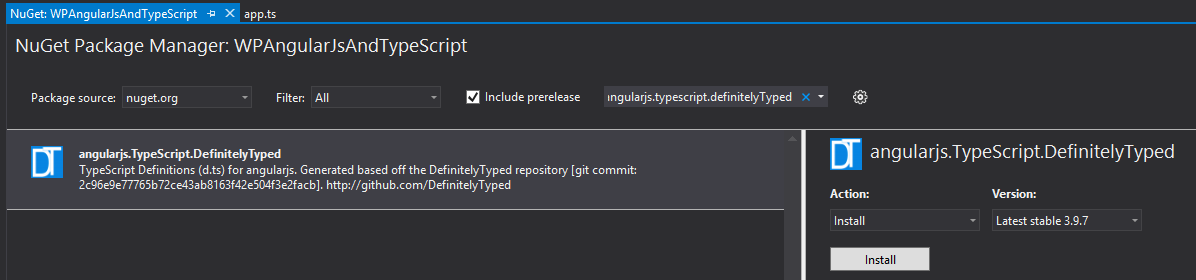
3) To work with TypeScript we need to add the DefinitelyTyped file for each modules that we want to use.
You need to search for angularjs.TypeScript.DefinitelyTyped in NuGet
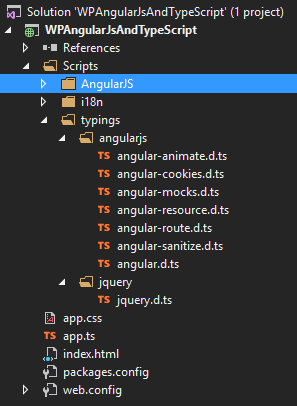
The installation of this package will add the folder typings under script with the.d.ts files inside.
Those files contains the Type definition for all the JavaScript of angularJS.
You’ll always need a .d.ts file for every JavaScript file that you want to use with TypeScript.
After that you need to upgrade the jquery.d.ts file
Open NuGet then filter on Installed then select jquery.TypeScript.DefinitelyTyped and upgrade to the latest version (2.2.5)


Reblogged this on Dinesh Ram Kali..
LikeLike